Virtual Try-On for Loungewear and Sleepwear Stores
Quick answer
Sleepwear shoppers are buying comfort they cannot touch through a screen. The product page is doing a lot of work for something people will mostly wear while horizontal.
Does virtual try-on work for loungewear and sleepwear?
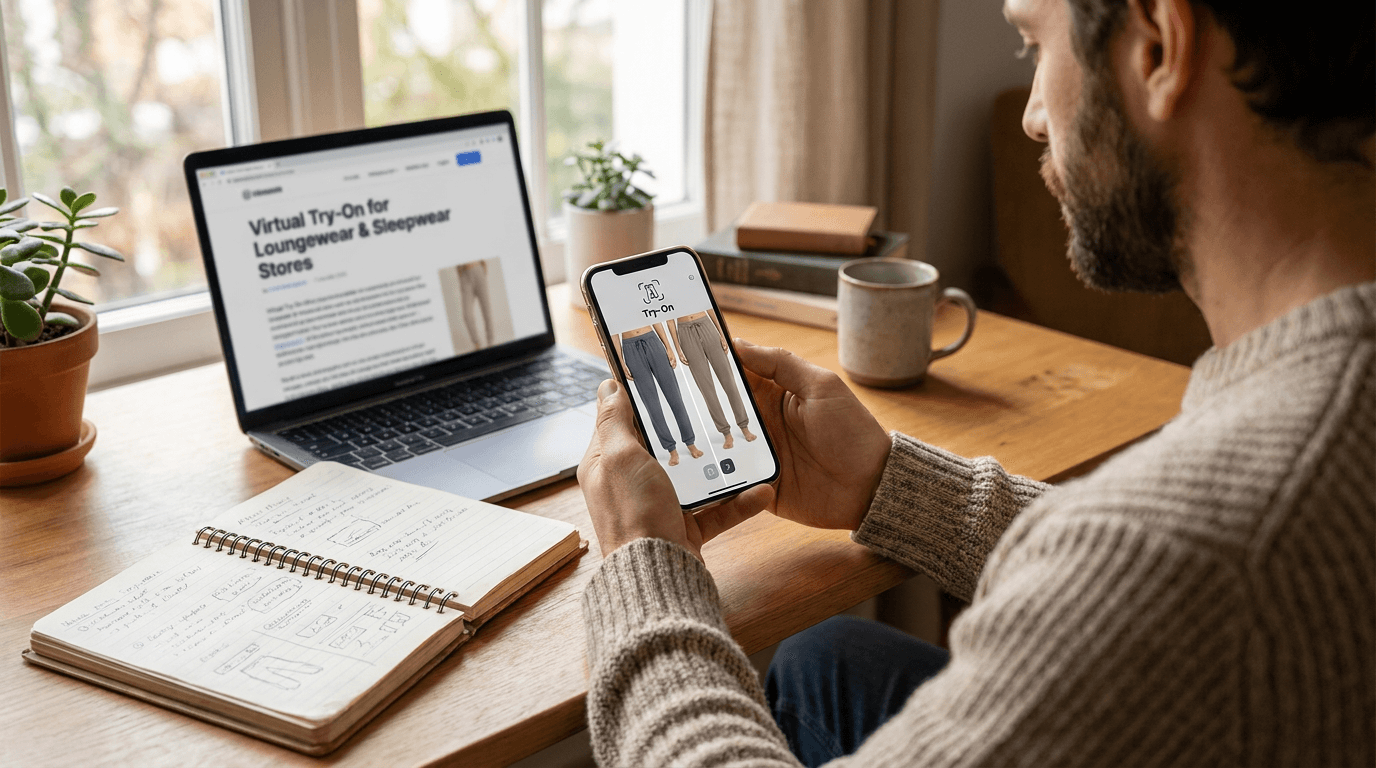
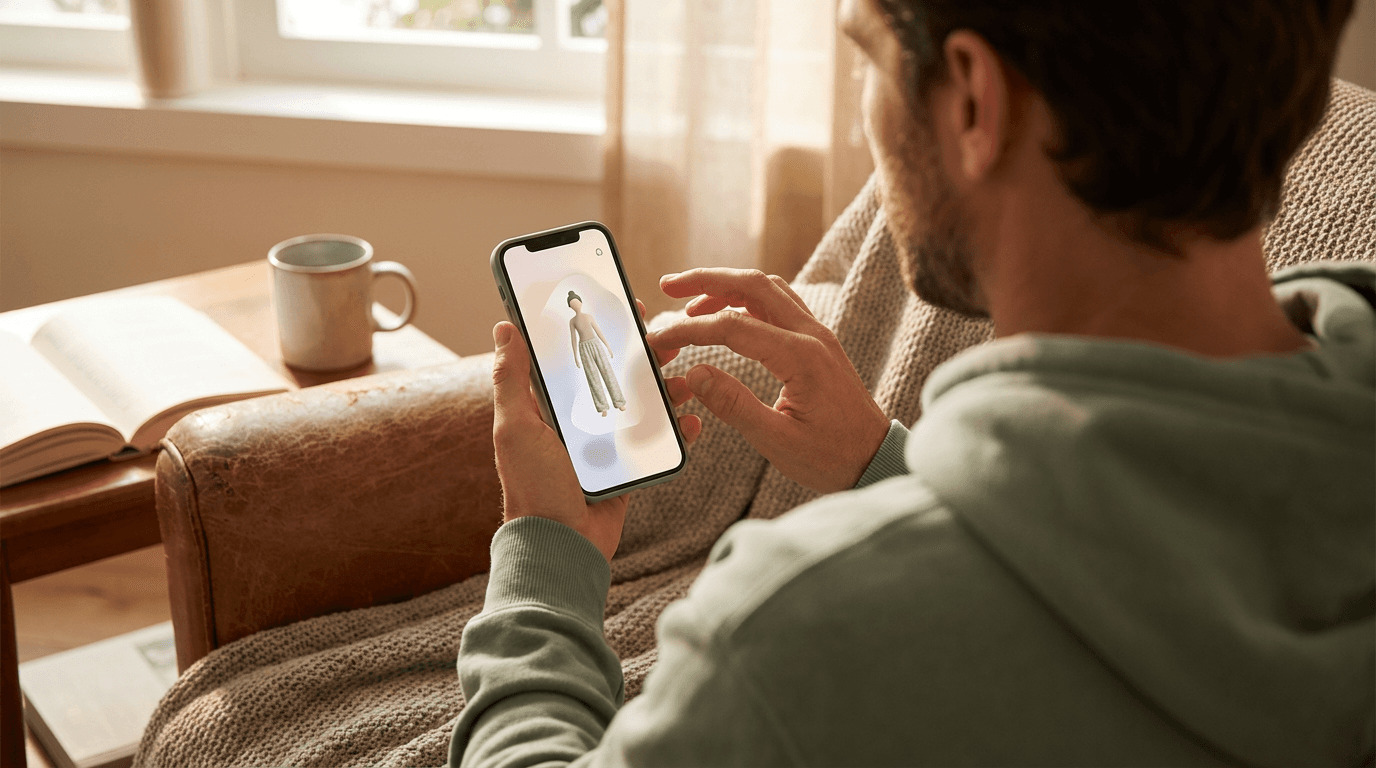
It works for the visual half of the decision. A shopper uploads a photo and sees your piece rendered on them, so the question 'will this robe hit above or below the knee on me' gets an answer before the order, not after.
The other half, how the fabric feels, stays with your copy and your photos. That is not a flaw to hide. It is a boundary to state.
Picture a shopper eyeing a long satin robe. She is 5 foot 4 and wants it to stop at the knee. The size chart says 'one size', which tells her roughly nothing. A render on her own photo answers the question in seconds, and it is a lot cheaper than shipping the robe back because it dragged on the floor.
Sleepwear also has a quiet advantage: shoppers are rarely in a hurry. They browse, they compare sets, they add three things to a cart at 11pm. A page that helps them decide in that moment is worth more than one that leaves them guessing until the parcel arrives.
What can it show for a pajama or lounge set?
- Length: a nightshirt, robe or shorts hem against the shopper's own height.
- Cut: relaxed or fitted, wide leg or tapered, cropped or full length.
- Proportions: how a matching top and bottom sit together on one body.
- Color and print: how a pattern looks at wearing scale, not as a flat swatch.
Sets are where this earns its place. Shoppers can see the top and the bottom together instead of imagining them. Our post on virtual try-on for oversized clothing covers how intentionally loose cuts are handled, which matters here because much of lounge fashion is loose on purpose.
What can it not show?
Be straight with shoppers about three things.
- Softness and weight: brushed cotton and thin jersey can look alike in a render.
- Real stretch: the image comes from a product photo, so it shows the cut, not how far the fabric gives.
- Warmth: a flannel set and a lightweight set can read the same on screen.
Put fabric content, weight and stretch in plain words near the try-on button. A render that looks right next to a description that is vague just moves the doubt somewhere else. Knit pieces face a similar limit, which we cover in virtual try-on for knitwear and sweaters.
Underwear and intimates are a different case. We do not recommend Corlen for them, and the reasons are in virtual try-on for lingerie and intimates stores. A robe or a pajama set is fine. A bralette is not.
How should you photograph sleepwear for it?
Flat, whole and on a plain background. Soft pieces wrinkle, so smooth them before you shoot, because the render will faithfully reproduce a crease it was handed.
- Shoot tops and bottoms as separate images so each can be tried on its own.
- Keep the full garment in frame, including hems, cuffs and ties.
- Avoid props and folded sleeves that hide the real shape.
The full checklist is in our guide to photographing clothing for virtual try-on.
How do you test it in a sleepwear store?
Start with the free live demo and your three best sellers. Try the long robe, the printed set and the plain basic, since they stress different things. If one comes out wrong, you have learned something cheaply.
Then add the button to those products only. On Shopify you add the Corlen block to your product page in the theme editor, which needs an Online Store 2.0 theme. Details are on the Shopify page, and WooCommerce stores can use the WordPress plugin.
Compare returns on those products against a similar earlier period, and watch the 'too long' and 'too short' return reasons in particular. Our guide to measuring virtual try-on results lays out the steps. When you want to see your own pieces rendered, try Corlen on your own photo.
Frequently asked questions
Does virtual try-on work for pajamas and loungewear?
It works for what you can see: cut, length, proportions and how the piece sits on a body. It cannot show softness, warmth or how a fabric feels, so keep your fabric notes and close-up photos alongside it.
Can virtual try-on show how stretchy a loungewear set is?
Not reliably. It renders a garment from its product photo, so it shows the cut and the length, not the real stretch of the fabric. Describe stretch and recovery in words and add a size guide.
Do loungewear shoppers need to upload a photo?
Yes, they upload a photo of themselves. On Shopify, Corlen does not save that photo. If your shoppers are wary of uploading, say so plainly next to the button and link your privacy page.
Is virtual try-on worth it for a small sleepwear brand?
Test it on a few best sellers first. Run the free demo with your own pieces, then compare returns on those products against a similar period before you roll it out wider.
Ready to add real try-on to your store?
Install Corlen on Shopify in minutes, or build it into your own platform with the developer API.
Similar posts
Where to Put the Virtual Try-On Button on Your Product Page
Placement, wording and styling for a virtual try-on button on a clothing product page, plus a simple way to test two positions without guessing.
Read articleGuidesVirtual Try-On for Shopify Plus Stores: What to Check First
Running a fashion brand on Shopify Plus? See where virtual try-on fits, what it leaves alone at checkout, and the questions to ask before you roll it out.
Read articleGuidesVirtual Try-On for Shirts and Blouses: A Store Owner Guide
Selling shirts and blouses online? See what virtual try-on shows well (drape, sleeves, open or closed fronts), what it cannot, and how to test your catalog.
Read articleSee it on your own photo
Corlen shows your customers how any garment looks on their own body, in seconds. Try it free, no account needed.
Try Corlen free