For WordPress Stores
A virtual try-on plugin for WooCommerce that customers actually use
Corlen adds an AI Try It On button to your WooCommerce product pages. Shoppers see themselves wearing your clothing before they buy, in their own size, in about 10 to 15 seconds, no theme edits or code required.
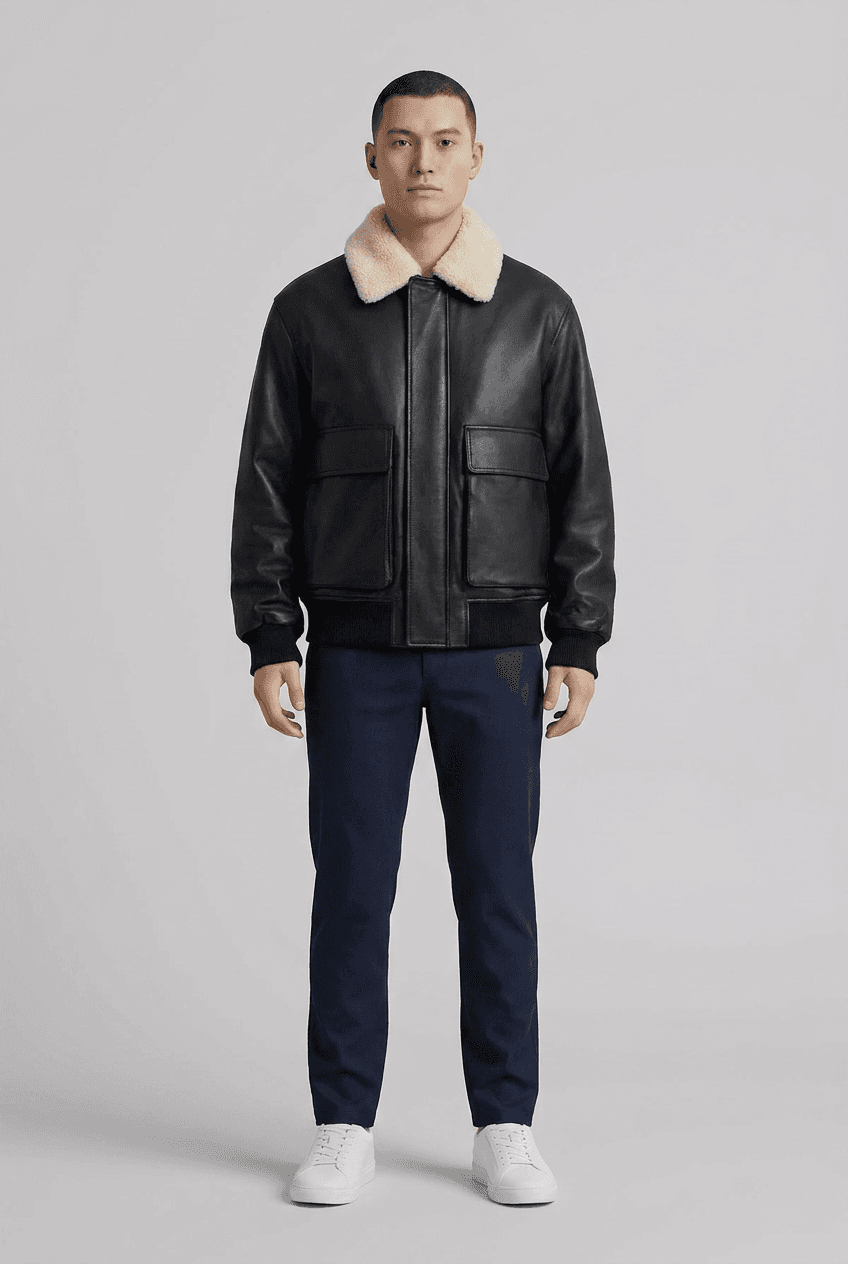 REAL CORLEN OUTPUT
 REAL CORLEN OUTPUT
What a WordPress virtual try-on plugin should actually do
Installs as a normal plugin
No theme edits, no developer needed. A Try It On button renders wherever your theme already shows the add-to-cart button.
Real AI generation
The same engine behind Corlen's Shopify app and the homepage demo. Shoppers see themselves in the actual product, not a generic model.
Size and fit aware
A shopper picks their own body size and the garment size separately, so the preview reflects a real fit rather than a perfect one.
Open or closed, their call
Jackets, shirts, and waistcoats get an open/closed toggle, so a customer can see a piece worn the way they'd actually wear it.
Privacy-first by default
The shopper's photo is processed in memory to generate the preview and is never written to storage, by this plugin or by Corlen's API.
One engine, three surfaces
The same try-on technology also runs on Shopify, an in-store kiosk, and a developer API, if you ever expand beyond WordPress.
Install it in five steps
- Install and activate WooCommerce first, if you haven't already.
- Install the Corlen plugin from the WordPress Plugin Directory, or upload the zip under Plugins.
- Activate it, then paste your free API key under WooCommerce > Settings > Corlen Try-On. Get one at corlen.io/developers.
- Edit a product, open the new "Corlen Try-On" tab, and check "Enable virtual try-on."
- Visit that product page on your storefront, the Try It On button appears automatically.
Why fit confidence matters for a WooCommerce store
Most fashion returns come down to fit, a shopper could not know how a garment would look on their own body before it arrived. Letting customers preview the fit before checkout replaces that guesswork with a real answer, so more of what ships is what the customer actually wanted. Read more in how to reduce online fashion returns.
If you are comparing virtual try-on plugins for your store, see how to choose a virtual try-on app for what actually matters when evaluating one.
Common questions
Does this store my customers' photos?
No. The photo is used once to generate the preview and is never written to storage by this plugin or by Corlen's API.
Do I need a Corlen account?
Yes, a free developer account at corlen.io/developers, which includes a trial with a limited number of generations so you can test this on your own store first.
Does this work with any theme?
The button renders wherever WooCommerce's own add-to-cart hook fires, which every standard WooCommerce-compatible theme supports.
Ready to add try-on to your store?
Free to install and test. No theme edits, no code.
Get the plugin free