AI shopping search added virtual try-on. What it means for your store

Quick answer
Virtual try-on used to be something a shopper found on a handful of fashion sites. In the past year it has shown up somewhere much bigger: inside the AI shopping tools people already use every day. Google and Perplexity have both shipped their own try-on features directly into search and chat. That is new, and it changes what shoppers expect, even from stores that never install anything from either company.
What Google and Perplexity actually launched
- Google's Try-On tool lets a shopper upload a single full-length photo and generates images of themselves wearing apparel across Google's Shopping Graph. Results can appear in Search, Google Shopping, and Google Images, and the feature has expanded to a growing list of countries, including the US and the UK.
- Perplexity's Virtual Try On rolled out to all Perplexity Pro and Max subscribers. A shopper uploads a photo once to build a full-body avatar, then a try-on button appears next to supported products while shopping inside Perplexity. Perplexity has said the feature runs on Google's Nano Banana image model family, the same family (Gemini 3 Pro Image, also known as Nano Banana Pro) that powers Corlen's own try-on engine. It currently requires a Pro or Max subscription and is limited to the US.
- ChatGPT, by contrast, has not shipped an equivalent in-chat try-on. OpenAI's Instant Checkout, a different feature aimed at completing a purchase inside ChatGPT, was pulled back in March 2026 after fewer than 30 of Shopify's millions of merchants ever went live with it. ChatGPT's shopping experience today is discovery first: it surfaces products, then sends the shopper to your own store to actually buy.
How the built-in try-on features actually work
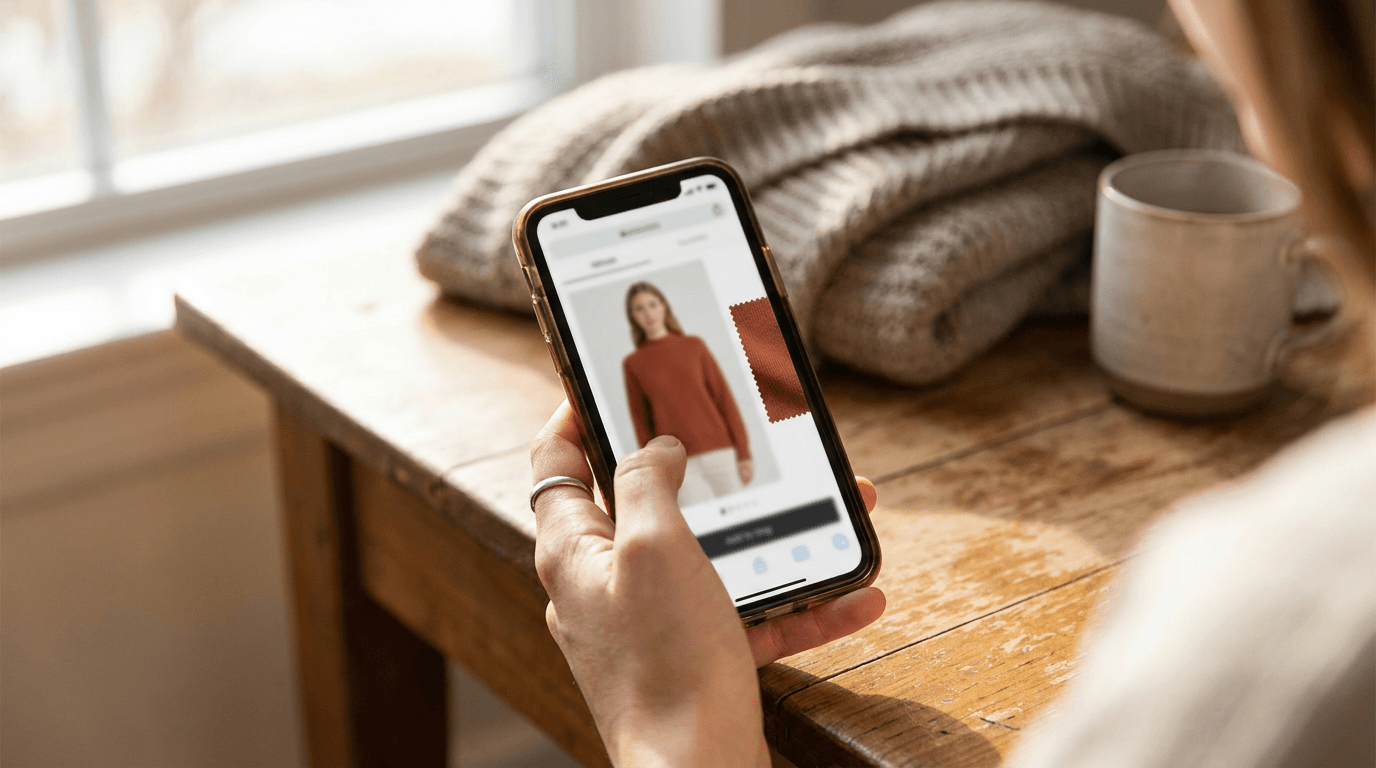
Both Google and Perplexity work the same basic way a shopper never has to think about: upload one ordinary photo, no 3D scan or in-store visit, and an AI image model renders the chosen garment onto that photo. The result is generated fresh for each item a shopper taps. Where they differ from a store's own try-on is where that result lives: entirely inside Google's or Perplexity's own interface, tied to whichever products that platform has already indexed for the feature.
What this means if you run a fashion store
None of this requires a store to do anything to keep functioning. But it changes the baseline shoppers now compare every store against, and a platform feature does not give you everything:
- The expectation bar just moved. A shopper who has tried Google's or Perplexity's try-on feature once now knows what a good preview looks like, and will notice its absence on a product page that only shows a flat-lay photo and a size chart.
- Being indexed is not fully in your control. Whether your catalog even shows up for Google's Try-On tool or Perplexity's try-on button depends on your product feed being picked up correctly by that platform's own shopping graph, not on a decision you make directly.
- It only runs on that platform's surfaces. A shopper who tries on your product inside Google or Perplexity still has to leave that interface, land on your actual store, and buy there. The try-on itself never touches your product page, your ads, or a customer standing in your physical store.
- Platform commerce features can change fast. OpenAI's Instant Checkout shipped and was pulled back within about six months. A feature you have no control over is not something to build your customer experience around exclusively. For a broader look at how AI agents are reshaping fashion commerce beyond just try-on, see agentic commerce and virtual try-on in fashion.
Should you rely on platform try-on, or add your own
These are not really competing options. A shopper discovering your product through Google or Perplexity benefiting from their built-in try-on is a good thing, not a threat. The gap is everywhere else: your own product pages, your ads, your email campaigns, and, if you sell in person, the shop floor itself. None of that is covered by a feature that only exists inside someone else's app.
This is the exact gap Corlen is built to close. It adds virtual try-on directly to your own Shopify product pages, so a shopper does not need Google or Perplexity to see themselves in an item. The same engine also runs a try-on kiosk for a physical store, and a developer API for a team building a custom flow, so the experience is not limited to whichever AI shopping assistant happened to index your catalog that week. For the underlying business case, see how to reduce online fashion returns, since a shopper who sees an accurate preview before buying is also a shopper less likely to send the item back.
Getting started
You do not need to wait on any platform's roadmap to give shoppers this experience today. If you are comparing options, how to choose a virtual try-on app for your store covers what actually matters beyond a feature list.
Or see it directly: try Corlen on your own photo in a few seconds, no account needed, or check the Shopify integration if you want it on your own store.
Frequently asked questions
Does Google's AI shopping search have virtual try-on?
Yes. Google's Try-On tool lets a shopper upload one full-length photo and see themselves wearing apparel listings across its Shopping Graph, in Search, Google Shopping, and Google Images results. It has expanded to a growing list of countries, including the US and the UK.
Does Perplexity have a virtual try-on feature?
Yes. Perplexity rolled out Virtual Try On to all Pro and Max subscribers, letting a shopper upload a photo to generate a full-body avatar, then tap a try-on button next to supported products while shopping inside Perplexity. It currently requires a paid Pro or Max subscription and is limited to the US.
Is ChatGPT's shopping feature the same as virtual try-on?
No. ChatGPT's shopping tools currently focus on product discovery rather than an in-chat try-on. OpenAI also pulled back its Instant Checkout feature in March 2026 after fewer than 30 of Shopify's millions of merchants ever went live with it, a reminder that platform-level shopping features can change or disappear quickly.
Can I add virtual try-on to my store without waiting for a platform to support it?
Yes. Corlen adds virtual try-on directly to your own Shopify product pages, an in-store kiosk, or a custom flow through the API, so the experience runs on your storefront regardless of whether a particular AI shopping assistant has indexed your catalog for its own try-on feature that week.
Do Google and Perplexity's try-on features work for every online store?
No. Both only work on products already indexed inside that platform's own shopping feed or Shopping Graph, and both currently have geographic or subscription limits. A store cannot rely on either one to guarantee coverage of its full catalog for every shopper.
Ready to add real try-on to your store?
Install Corlen on Shopify in minutes, or build it into your own platform with the developer API.
Similar posts
Real-Time Virtual Try-On: What It Is and Whether Your Store Needs It Yet
Real-time virtual try-on renders clothing on a shopper's live camera feed instead of one photo. Here is what shipped in 2026, and what it means for your store.
Read articleTrendsDoes Zalando Have Virtual Try-On? Inside Its 40% Return Drop
Zalando's virtual fitting room cut returns 40% in a Levi's pilot and has now reached 1.5 million shoppers. Here is what the real numbers show.
Read articleTrendsDoes Snapchat Have Virtual Try-On for Clothes?
Snapchat has run AR try-on since 2021: Camera Kit shoe lenses, in-store AR Mirrors. Here is what it covers and how it differs from AI try-on.
Read articleSee it on your own photo
Corlen shows your customers how any garment looks on their own body, in seconds. Try it free, no account needed.
Try Corlen free