Virtual Try-On for Pre-Orders and Collection Drops
Quick answer
A pre-order asks a shopper to pay now for something that does not exist yet. That is a lot of faith to place in one flat photo and a size chart.
Does virtual try-on work for pre-orders?
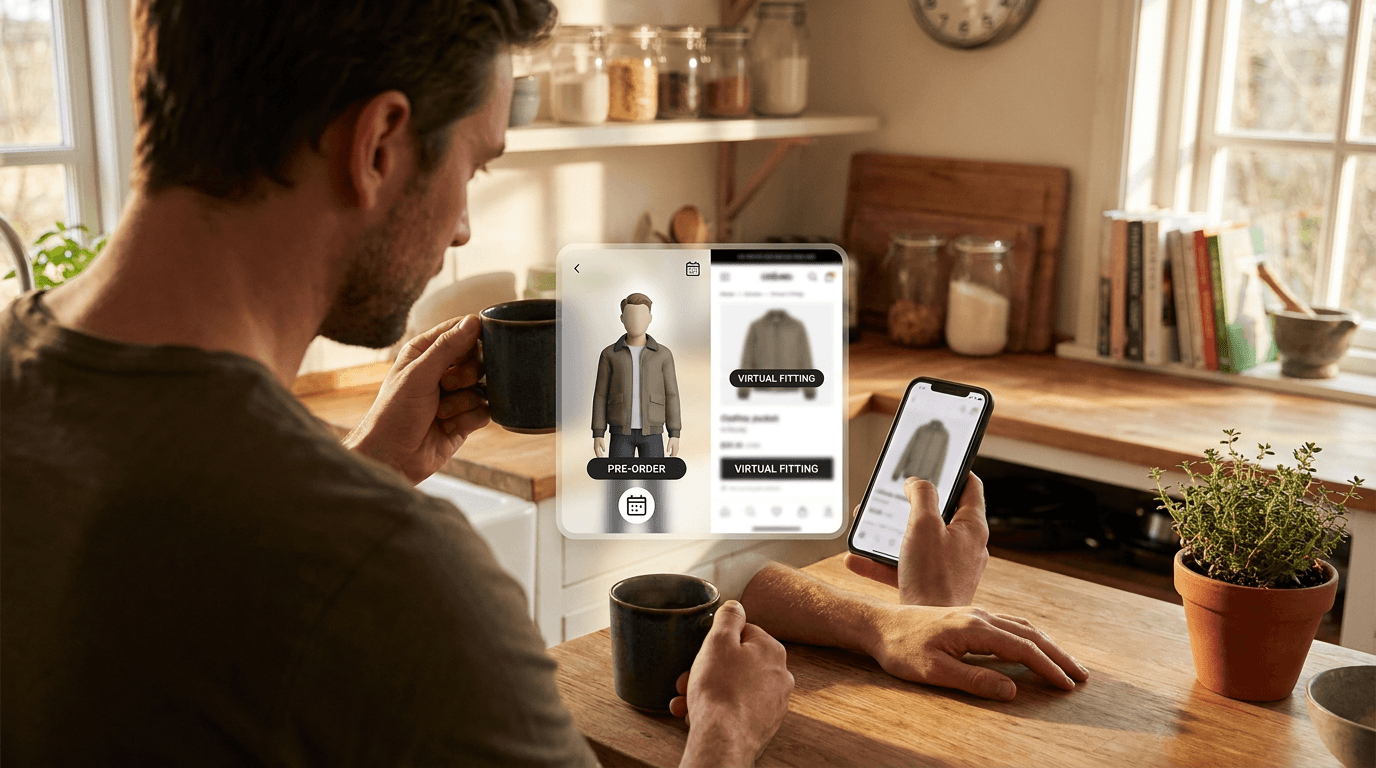
It works whenever you can photograph the garment, and a sample counts. Virtual try-on takes a picture of the piece and a picture of the shopper, then shows the piece on that shopper. It never needs the finished stock in your warehouse.
Picture a brand opening pre-orders for a wool overcoat three weeks before the factory ships. Without try-on, the shopper guesses how long it runs on them. With it, they upload a photo and see where the hem lands before they pay.
Why do drops need it more than usual?
Three things make a drop harder to sell than a normal product page.
- No reviews: nobody has worn it yet, so there is no photo from a real customer to lean on.
- No returns window yet: the shopper commits months before they can send it back, which makes doubt feel expensive.
- One shot at launch: a drop has a short selling window, so a page that leaves questions unanswered loses sales you cannot recover next week.
A render on the shopper's own photo answers the question that a model shot cannot: how does this look on me. That is the same fit doubt we cover in reducing size returns on a Shopify clothing store, just moved earlier in the process.

What do you photograph before stock arrives?
Photograph the best sample you have, not a concept. The render can only be as accurate as the image it starts from, so the sample photo does the heavy lifting.
- Use the final fabric sample, not a placeholder in a similar colour.
- Shoot the whole garment flat or on a mannequin, front on, on a plain background.
- Press it first, because creases in the photo become creases in the render.
- Add a back photo if the back has a design feature, so the back view stays accurate.
- Re-shoot once the production run lands if the colour or trim changed.
Our guide to photographing clothing for virtual try-on has the full checklist. Avoid heavily edited mockups and flat vector renders. They look tidy, and then the real garment arrives and does not match.
How do you keep a pre-order page honest?
Say what the images are. One line near the button, such as 'Images show a pre-production sample. Final colour and trim may vary slightly,' is enough.
- State the expected ship window in plain words, not 'coming soon'.
- Take measurements from the finished sample, not the pattern, and put them on the page.
- Mention fabric weight and drape, since a still render cannot show how a fabric moves.
- Keep a clear return policy visible, so the render sets expectations without becoming a promise.
The render shows how the piece looks. It does not guarantee the final garment is identical, and a page that pretends otherwise just moves the disappointment to the delivery date. If your pre-order conditions touch consumer law, check them against our summary of UK returns law for online clothing stores.
How do you run it across a launch?
Pick one drop and one hero product. Try the free live demo with your sample photo first, so you can see whether the garment renders well before it goes on a live page.
Then add the button to that product only. On Shopify you add the Corlen block to your product page in the theme editor, which needs an Online Store 2.0 theme. The Shopify page has the details, and WooCommerce stores can use the WordPress plugin. The Shopify app has a Free plan with 25 try-ons a month, which is plenty for a first test.
Before launch, write down your current pre-order conversion and your return rate on the last drop. After launch, compare them. Our guide to measuring virtual try-on results walks through the steps, and if you are making pieces to order, virtual try-on for made-to-measure clothing covers that side. To see a sample rendered on a real person, try Corlen on your own photo.
Frequently asked questions
Can I use virtual try-on before my stock arrives?
Yes, if you have a clear photo of a real sample or prototype. Virtual try-on needs a garment photo, not finished stock in a warehouse. Do not use a concept sketch or a heavily edited mockup, because the render can only be as accurate as the photo it is given.
Should I tell shoppers the photo is from a sample?
Yes. Say on the product page that the images show a pre-production sample and that colour or trim may shift slightly in the final run. It costs one sentence and prevents the exact complaint that turns into a return.
Does virtual try-on help with pre-order fit worries?
It helps shoppers see the cut, length and drape on their own photo before they commit. It does not replace a size chart, so keep your measurements on the page and make sure they come from the finished sample.
How do I add virtual try-on to a drop page on Shopify?
Add the Corlen block to your product page in the theme editor, which needs an Online Store 2.0 theme. The Shopify app has a Free plan with 25 try-ons a month, so you can test it on one drop before paying for anything.
Ready to add real try-on to your store?
Install Corlen on Shopify in minutes, or build it into your own platform with the developer API.
Similar posts
Virtual Try-On for PrestaShop Clothing Stores
Selling clothes on PrestaShop? See how a try-on API fits into a custom module, which product page hook to use, and what to test before you launch.
Read articleGuidesVirtual Try-On for Skirts: Length, Waist and Flare
Selling skirts online? See what virtual try-on can show about hem length, waist position and flare, where it struggles with pleats and sheer fabric, and how to test it.
Read articleGuidesWhat to Tell Shoppers About Their Try-On Photo: Privacy Notice Copy
Adding virtual try-on to your store? Here is what your photo notice should say, where to put it, and the claims to avoid, with sample wording you can adapt.
Read articleSee it on your own photo
Corlen shows your customers how any garment looks on their own body, in seconds. Try it free, no account needed.
Try Corlen free