Virtual Try-On for Skirts: Length, Waist and Flare
Quick answer
A skirt looks simple. Then a shopper asks whether it is midi or just aggressively long, and your size chart has no opinion.
Does virtual try-on work for skirts?
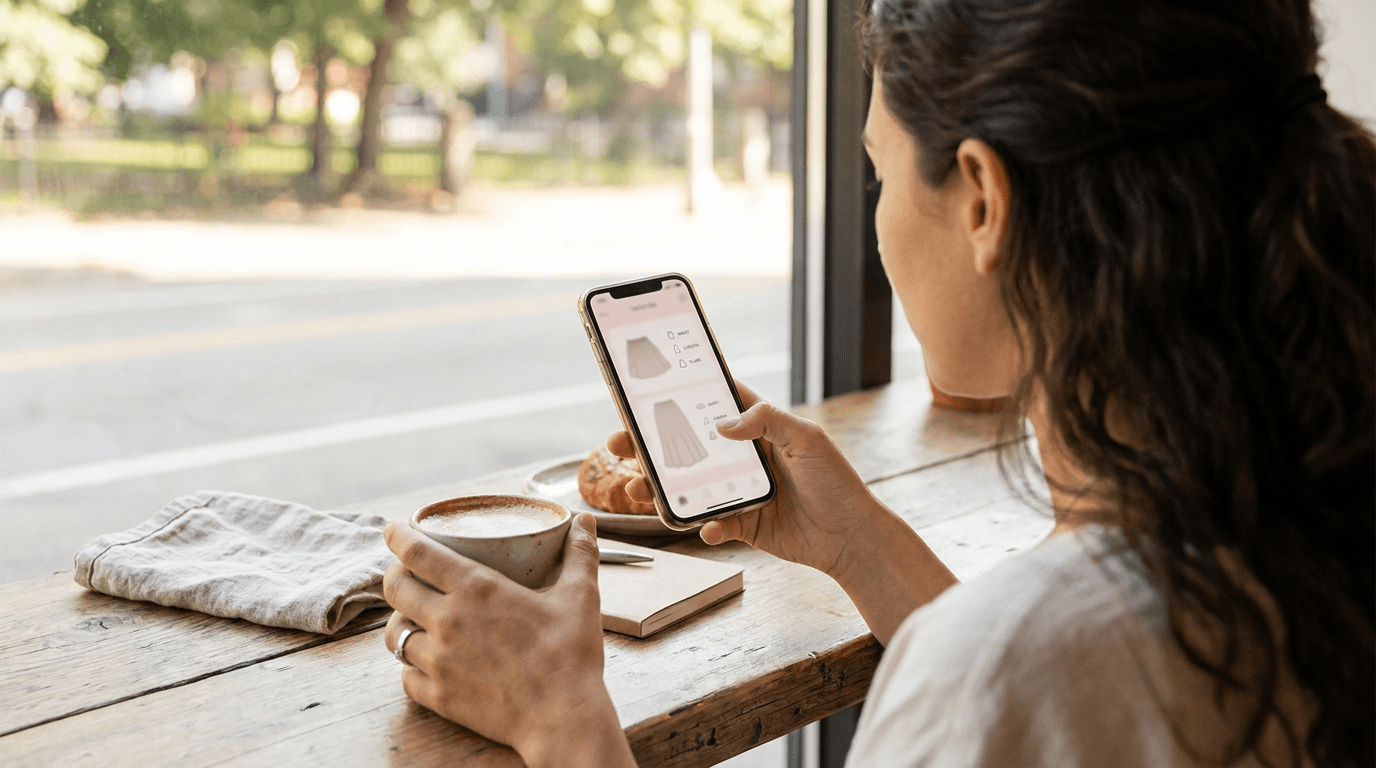
For most skirts, yes. A shopper uploads a photo of themselves and sees your skirt rendered on their own body, so length and waist position are judged against their proportions, not a model's.
That matters because skirt length is relative. A skirt that grazes the knee on a 5 foot 10 model can sit mid-calf on someone 5 foot 2. Picture a shopper who loves a pleated midi but has bought two that were 'too long' before. A render on her own photo answers the question that a number of centimetres on a chart does not.
What can it show for a skirt?
- Hem length: where the skirt ends against the shopper's knee, calf or ankle.
- Waist position: high-waisted or mid-rise, and how the waistband sits on the torso.
- Silhouette: pencil, A-line, circle or tiered, and how much volume it adds.
- Pairing: how the skirt looks with a top, which is how most people actually wear it.
Pairing is where combos help. On Corlen a shopper can pick a top and a skirt together and see the whole look in one render. Our guide to virtual try-on for dresses covers how full-length pieces are handled, and much of it applies to long skirts too.

Where does it struggle with skirts?
Be honest with shoppers about three cases.
- Sheer and mesh fabric: transparency is hard to render convincingly, so check these pieces before you enable the button.
- Fine pleats and tiers: a render shows the overall shape, but it may simplify the pleat detail.
- Movement: a still image cannot show how a chiffon skirt swings when someone walks.
None of these is a reason to skip it. They are a reason to test your own range, then put fabric, lining and drape notes in plain words near the button. A render that looks right beside a vague description just moves the doubt somewhere else.
Denim and structured pieces are a different test, and we cover waist and rise in virtual try-on for jeans.
Does it help with skirt sizing?
It helps with the visual side of sizing. A shopper can see whether a size 12 sits high or low on the waist, and whether the hem still lands where she wants it. Corlen also lets shoppers pick a garment size, so a skirt chosen one size up or down looks looser or snugger on their own photo.
It does not replace a size chart. Waist and hip measurements still decide whether a zip closes, so keep them on the page. The render answers 'how will this look', and the chart answers 'will this fit'. Our post on reducing size returns on a Shopify clothing store shows how the two work together.
How should you photograph skirts for it?
Whole, front on and on a plain background. Skirts crease at the waist and hem more than most garments, so press them before you shoot, because the render will faithfully reproduce a wrinkle it was handed. Yes, the iron comes out.
- Keep the full waistband and hem in frame, with no cropping.
- Shoot the skirt on its own, separate from the top, so each can be tried on alone.
- Avoid props, belts and hands that hide the real shape.
The full checklist is in our guide to photographing clothing for virtual try-on.
How do you test it in a skirt store?
Start with the free live demo and three skirts that stress different things: a long pleated midi, a plain pencil and one sheer or tiered piece. If one comes out wrong, you learned that for free.
Then add the button to those products only. On Shopify you add the Corlen block to your product page in the theme editor, which needs an Online Store 2.0 theme. Details are on the Shopify page, and WooCommerce stores can use the WordPress plugin.
Compare returns on those skirts against a similar earlier period, and watch the 'too long' and 'too short' reasons in particular. Our guide to measuring virtual try-on results lays out the steps. To see your own skirts rendered, try Corlen on your own photo.
Frequently asked questions
Does virtual try-on work for skirts?
It works well for the visual questions: where the hem lands on the shopper's legs, where the waist sits and how much the skirt flares. It is less reliable for sheer, heavily pleated or very layered skirts, so test those pieces before you roll it out.
Can virtual try-on show skirt length on a shopper?
Yes. Because the skirt is rendered on the shopper's own photo, the hem lands relative to their own knee or calf, not a model's. Use a clear full-length photo of the shopper for the most believable result.
How should I photograph skirts for virtual try-on?
Shoot the whole skirt flat or on a mannequin, front on, on a plain background, with the waistband and hem fully in frame. Smooth wrinkles first, since the render reproduces creases it is given.
Does Corlen work for skirt stores on Shopify?
Yes. On Shopify you add the Corlen block to your product page in the theme editor, which needs an Online Store 2.0 theme. WooCommerce stores use the plugin, and the API covers custom storefronts.
Ready to add real try-on to your store?
Install Corlen on Shopify in minutes, or build it into your own platform with the developer API.
Similar posts
What to Tell Shoppers About Their Try-On Photo: Privacy Notice Copy
Adding virtual try-on to your store? Here is what your photo notice should say, where to put it, and the claims to avoid, with sample wording you can adapt.
Read articleGuidesVirtual Try-On for Loungewear and Sleepwear Stores
Selling pajamas, robes or loungewear online? See what virtual try-on can show about cut, length and drape, what it cannot show about softness, and how to test it.
Read articleGuidesWhere to Put the Virtual Try-On Button on Your Product Page
Placement, wording and styling for a virtual try-on button on a clothing product page, plus a simple way to test two positions without guessing.
Read articleSee it on your own photo
Corlen shows your customers how any garment looks on their own body, in seconds. Try it free, no account needed.
Try Corlen free