Virtual Try-On for Made-to-Measure and Custom Clothing Stores
Quick answer
Made-to-measure has a neat selling point: the garment is cut for you. It also has an awkward one. The customer has to commit to a style, a fabric and a price before they see anything made.
Does a made-to-measure store need virtual try-on?
Not for the fit itself. A tape measure and a good size form beat any photo. But custom orders are usually non-returnable, so the shopper's biggest worry is choosing the wrong style, not the wrong size.
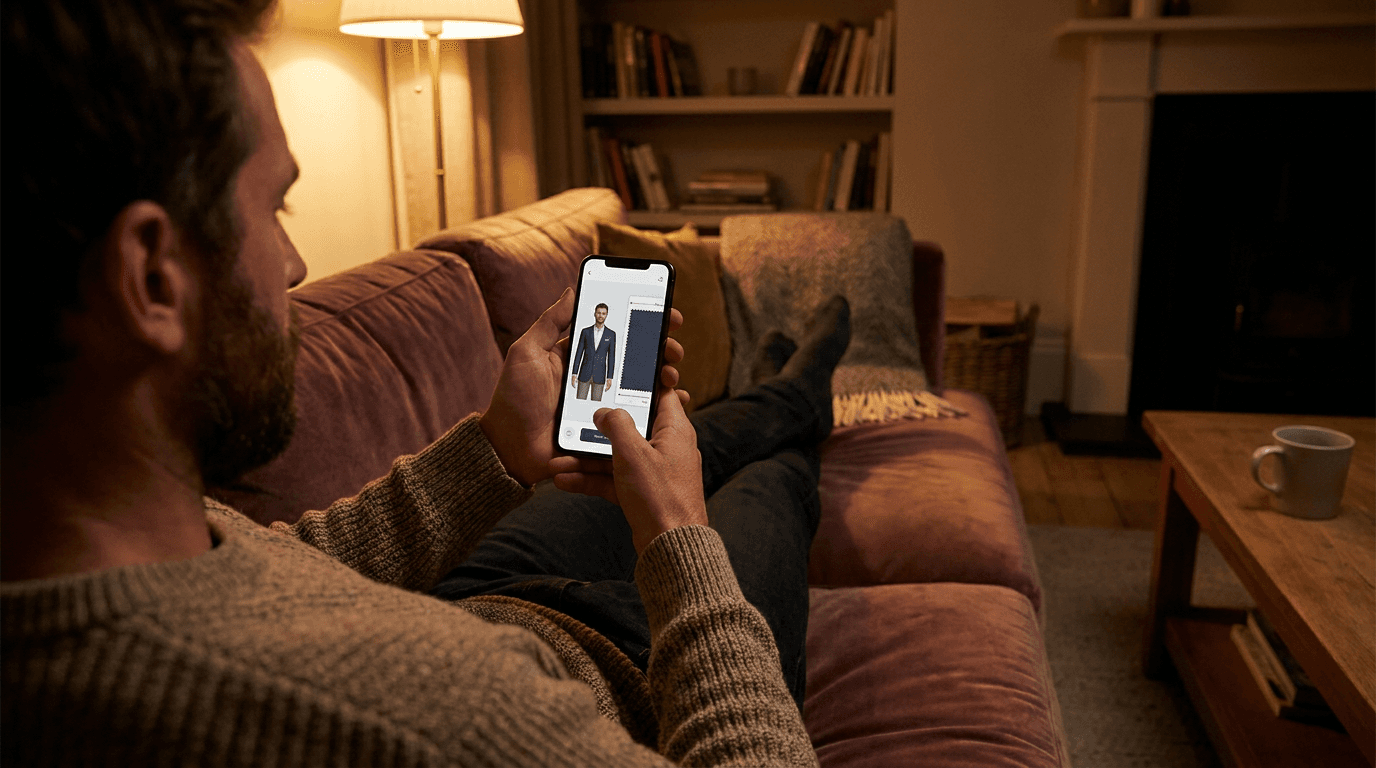
That is the gap a preview fills. The shopper uploads a photo and sees your sample garment on their own frame, before paying for something cut to order.
Picture a customer weighing a navy jacket against a charcoal one. The tailor can explain the cut for ten minutes, but the customer mostly wants to know what it looks like on them. A preview answers that in under a minute, and it does so before you have spent an hour on a pattern.
It also cuts down on the awkward fitting room verdict. Nobody enjoys being told by a tailor, to their face, that the style they picked is not their best look.
Where does a try-on preview help a custom clothing shop?
- Style choice: a double breasted jacket looks very different on a narrow build than on a broad one, and few shoppers know which suits them.
- Length and proportion: jacket length, trouser break and shirt hem are easier to judge on a real photo than on a catalogue model.
- Confidence to start: a shopper who has seen the style on themselves is more likely to book the fitting.
- Remote customers: if you take orders online or across cities, a preview stands in for the showroom visit.
An enquiry that never turns into a fitting is a quiet loss. Nobody files a complaint about it, they just stop replying.
Where does it not help?
Be straight with customers about the limits. A preview is built from a photo of the shopper and a photo of your garment. It does not read their measurements, so it cannot tell them whether a custom cut will fit.
- Exact fit: your measurements decide this, not the preview.
- Fabric feel and weight: these stay on your product page and in your swatches.
- Custom details: monograms, lining colours and special buttons will not match every personal choice.
- Fabric choice: the preview shows the sample you photographed, so a different cloth will look different.
Say this on the page. A preview described as a style guide earns trust. One described as a fit guarantee earns a refund request. If sizing is your bigger problem, our guide to virtual try-on for petite and tall sizing covers how proportion shows up in a preview.
What should you photograph for a made-to-order range?
Each style needs one clean sample, since the preview works from that image. Make the sample the garment you want customers to picture.
- Photograph the finished sample on a mannequin or flat, with the full garment in frame.
- Use even light and a plain background so the edges are clear.
- Button or close the garment the way you want it shown.
- Shoot one hero fabric per style rather than every cloth you offer.
The full checklist is in our guide to photographing clothing for virtual try-on.
How should a custom store roll it out?
- Choose your three most enquired styles, such as a jacket, a shirt and a trouser.
- Photograph one sample of each to the checklist above.
- Run them through the live demo with a few different photos and drop anything that renders badly.
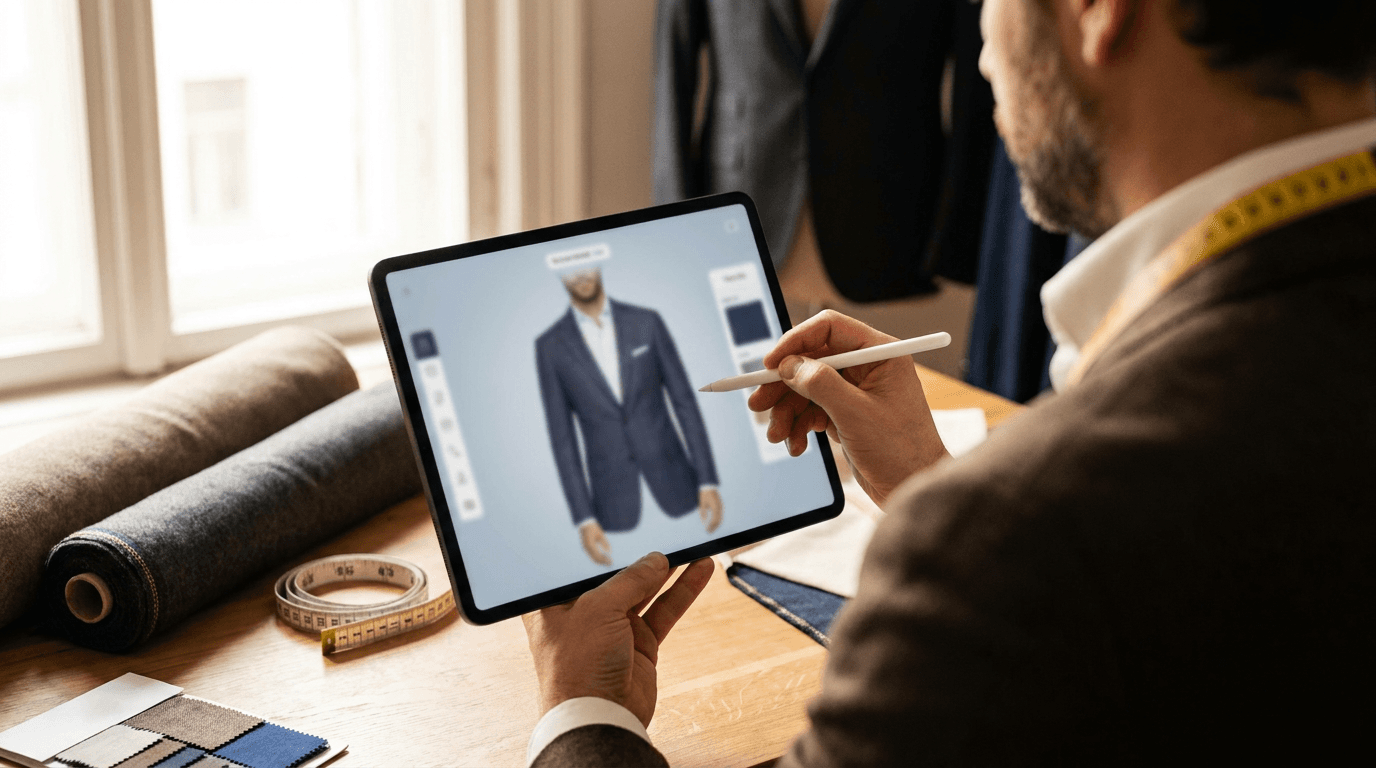
- Add the block to those product pages in the theme editor with the Corlen Shopify app. It needs an Online Store 2.0 theme. Showroom visitors can use the same preview on a tablet through the in-store kiosk.
- Add a line near the button: style preview only, fit comes from your measurements.
Then watch whether more enquiries become booked fittings, using the steps in how to measure virtual try-on results. When you are ready, try Corlen on your own photo and see what your customer would see.
Frequently asked questions
Can virtual try-on replace measuring for made-to-measure clothing?
No. A try-on preview shows how a style looks on a shopper's photo. It does not take body measurements or produce a pattern. Keep your measuring process for fit and use the preview for style and proportion decisions.
Does it work for garments that are made after the order?
Yes, if you have a good photo of the style. A sample on a hanger or a mannequin works. The preview shows the style, not the exact fabric the customer will choose, so list fabric options separately.
Will it show the customer's own custom measurements?
No. It works from a photo of the shopper and your garment image. It does not read measurements, so it cannot confirm that a made-to-order cut will fit.
Are shopper photos stored?
On Shopify and the API, shopper photos are used to build the preview and are not saved. The two hour automatic deletion applies to the in-store kiosk only.
Ready to add real try-on to your store?
Install Corlen on Shopify in minutes, or build it into your own platform with the developer API.
Similar posts
Virtual Try-On for Streetwear Brands: Prints, Drops and Fit
Streetwear sells on graphics, oversized cuts and limited drops. See what a streetwear store should test in virtual try-on before relying on it for a release.
Read articleGuidesVirtual Try-On for Knitwear and Sweaters: What to Test First
Knitwear stretches, drapes and runs oversized, which makes fit hard to judge online. See where virtual try-on helps a sweater store and what to test before you rely on it.
Read articleGuidesVirtual Try-On for Modest Fashion Stores: What to Test First
Modest fashion shoppers care about coverage, length and layering, not just size. Here is where virtual try-on helps a modest wear store and how to test it honestly.
Read articleSee it on your own photo
Corlen shows your customers how any garment looks on their own body, in seconds. Try it free, no account needed.
Try Corlen free