How to Add Virtual Try-On to a Mobile App: API Integration and Store Review Rules
Quick answer
Most guides to virtual try-on integration stop at the request and response shapes. A native app has an extra layer a website does not: a store review process that checks what you disclosed against what the app actually does before anyone can download it. Both halves matter, and neither one is hard once you know what it actually asks for.
What does adding virtual try-on to a mobile app involve?
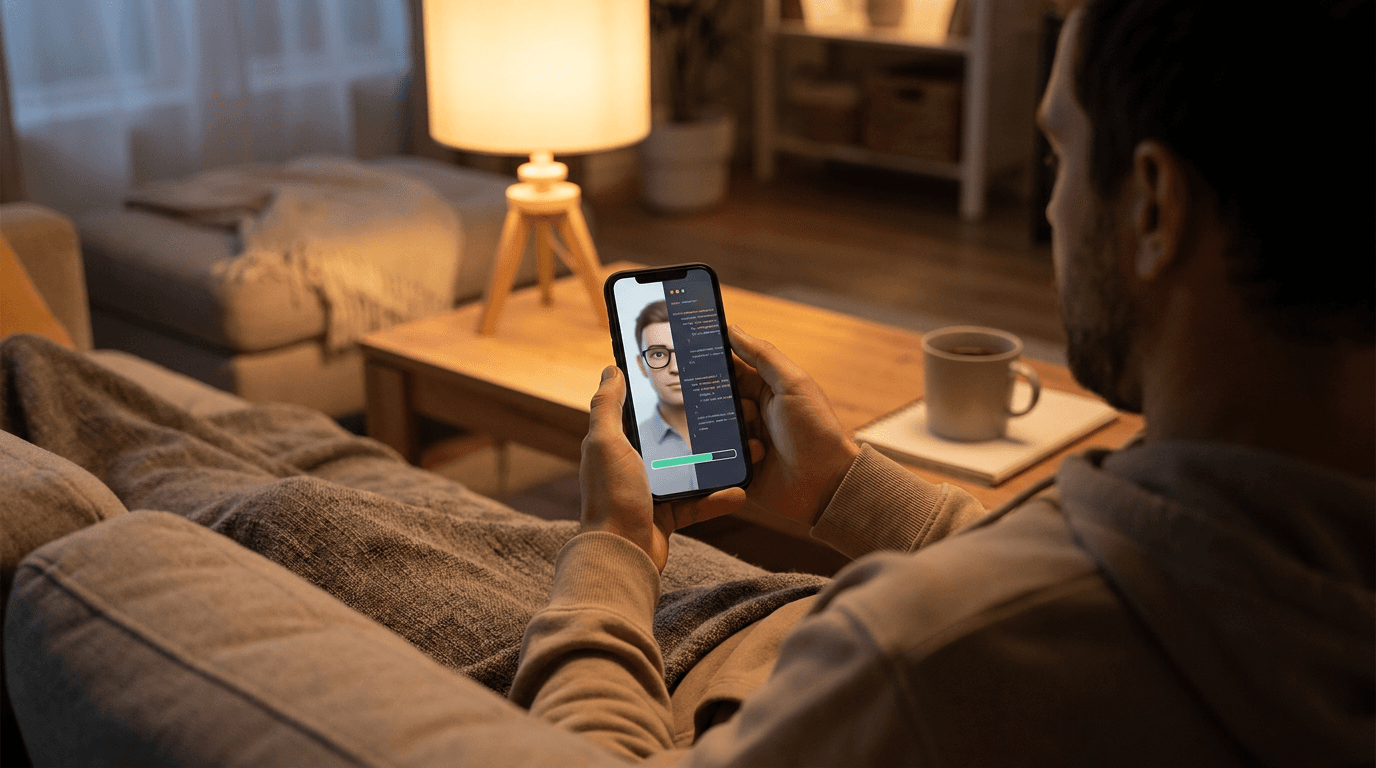
- A photo capture or picker step. The user takes a photo with the device camera or selects one from their library, which triggers the platform's own camera or photo library permission prompt.
- An API call to a try-on provider. The photo and a garment image go to a generation endpoint, either uploaded directly or referenced by URL.
- A status check loop. Generation takes real time, so the app polls a job status endpoint rather than waiting on a single blocking request.
- A result screen. The finished image renders in your own UI, styled however the rest of your app looks, not a provider's embedded widget.
- Privacy declarations to both app stores. What data the app collects, why, and whether it is linked to the user's identity or shared with anyone.
How does the API integration work in a native app?
The pattern is the same one a Shopify or WooCommerce app follows under the hood, just called directly from your own client code instead of through a plugin.
- Get an API key from the provider's developer dashboard and store it server side, never bundled into the app binary where it can be extracted.
- Capture or select the user's photo, then upload it along with the chosen garment's image to a create-generation endpoint.
- Poll a status endpoint until the job reports finished, since a single request rarely returns the result immediately.
- Retrieve the finished image and display it in your app's own result view.
- Handle failures the way you would for any external API call: a retry with backoff, and a clear message if the job ultimately fails, rather than a silent spinner.

Corlen's own API follows this shape: a Create Try-On endpoint for a single garment, a Create Combo Try-On endpoint for a full outfit in one call, and a Generation Status endpoint to poll. The full request and response shapes are in the API documentation, and a broader look at the request and response flow itself is in virtual try-on API for developers.
What does Apple actually require you to disclose?
Every app on the App Store ships with a Privacy Nutrition Label, filled out by the developer and shown on the product page before anyone installs it. Apple organizes declared data into categories, and Photos or Videos is one of them, sitting under the broader User Content group. A virtual try-on feature collects a photo, so that category applies regardless of how briefly the photo is used.
- Declare the data type. Photos or Videos, collected for the app's core functionality.
- State the linkage honestly. Whether the photo is linked to the user's identity or account, or processed without being tied back to them, changes which sub-category you check.
- Do not overclaim a biometric label. A try-on feature that edits a garment onto a photo, without running face recognition or extracting facial landmarks, is handling a photo, not biometric data. Only mark a feature as biometric if it genuinely performs that kind of processing elsewhere in the app.
- Match the label to the real behavior. Apple's review checks the label against what the app actually does during testing, so a label that undersells what the app collects is a rejection risk on its own.
What does Google Play require?
Google Play runs two separate checks that both touch a virtual try-on feature: the Data Safety section, and a specific policy for apps that generate content with AI.
- Fill out the Data Safety section the same way as Apple's label: declare that the app collects photos, state the purpose (app functionality), and confirm whether that data is shared with any third party, such as the try-on provider processing the image.
- Request photo and video access narrowly. Google's photo and video permissions policy limits which apps can request broad library access, so ask only for what the try-on flow actually needs, a single photo at a time rather than full library scanning.
- Meet the generative AI content policy. Apps that generate images with AI must prevent the model from producing offensive or prohibited content and give users a straightforward way to report a bad result.
- Keep the reporting path visible. A report or flag option next to the generated result satisfies this requirement directly, rather than burying it in a settings menu.
What to check before you ship it
- Photo handling matches your written policy. If your privacy policy says a photo is processed and discarded, confirm the app and backend actually do that, since a mismatch is worse than a strict policy honestly stated.
- The API key never lives on the device. Route try-on requests through your own backend, or use a provider's scoped, revocable token rather than a permanent key bundled into the app.
- Generation speed has a visible state. A user staring at a blank screen for ten seconds assumes the app froze. A progress indicator with a short, honest wait estimate keeps them from force-quitting.
- The report option is reachable from the result screen, not several taps away, so the generative AI content policy requirement is actually usable rather than technically present.
None of this is legal advice, and both Apple's and Google's review guidelines change over time. Confirm the current wording of each policy directly before submitting, rather than relying on a general explainer written at one point in time. For how a store-facing integration handles the same photo-privacy question, is virtual try-on safe covers the data-handling side in more depth.
Corlen's API runs the same engine behind its Shopify integration, its WooCommerce plugin, and its in-store kiosk, so a mobile app built on it uses an already-proven generation path rather than an unreviewed one. See the output first: try Corlen on your own photo, no account needed.
Frequently asked questions
Can I add virtual try-on to a mobile app without a Shopify or WooCommerce store behind it?
Yes. A Shopify or WooCommerce install is a packaged version of the same technology for a specific storefront platform. A native iOS or Android app calls the try-on API directly: submit a photo and a garment image, poll for the result, then render it in your own UI. No storefront platform is required in between.
Do Apple and Google require special disclosure for a virtual try-on feature?
Both require you to declare photo collection in their respective privacy frameworks. Apple's Privacy Nutrition Label has a Photos or Videos category under User Content. Google Play's Data Safety section asks the same question in its own format. Neither is optional, and both are checked before your listing goes live.
Does virtual try-on count as biometric data under App Store or Play Store rules?
Not automatically. A try-on feature that edits a garment onto a photo without running face recognition or extracting facial landmarks is processing a photo, not biometric data specifically. Still declare the photo collection itself. If any part of your app does run face matching for an unrelated feature, that piece needs its own, separate disclosure.
Will Apple or Google reject an app for generating AI images from a user's photo?
Not for that alone. Google Play's generative AI content policy requires the app to prevent offensive output and give users an easy way to report a bad result. Apple reviews AI features case by case under its general App Review Guidelines rather than a single AI-specific rule. Build the reporting path in from the start rather than adding it after a rejection.
What is the actual technical flow for mobile virtual try-on integration?
Capture or pick a photo on the device, upload it and a garment image to the try-on API, poll a job status endpoint until the generation finishes, then display the result. Corlen's API documentation lists the exact request and response shapes for this flow.
Ready to add real try-on to your store?
Install Corlen on Shopify in minutes, or build it into your own platform with the developer API.
Similar posts
Virtual Try-On for Skirts: Length, Waist and Flare
Selling skirts online? See what virtual try-on can show about hem length, waist position and flare, where it struggles with pleats and sheer fabric, and how to test it.
Read articleGuidesWhat to Tell Shoppers About Their Try-On Photo: Privacy Notice Copy
Adding virtual try-on to your store? Here is what your photo notice should say, where to put it, and the claims to avoid, with sample wording you can adapt.
Read articleGuidesVirtual Try-On for Loungewear and Sleepwear Stores
Selling pajamas, robes or loungewear online? See what virtual try-on can show about cut, length and drape, what it cannot show about softness, and how to test it.
Read articleSee it on your own photo
Corlen shows your customers how any garment looks on their own body, in seconds. Try it free, no account needed.
Try Corlen free