Virtual Try-On Kiosk vs Smart Mirror vs Tablet: Which Fits Your Store?
Quick answer
Vendors use the words kiosk, smart mirror and virtual fitting room as if they were one thing. They are three different pieces of furniture with three different price tags, running the same idea underneath: a customer sees themselves in a garment without changing clothes.
What are the three ways to offer in-store try-on?
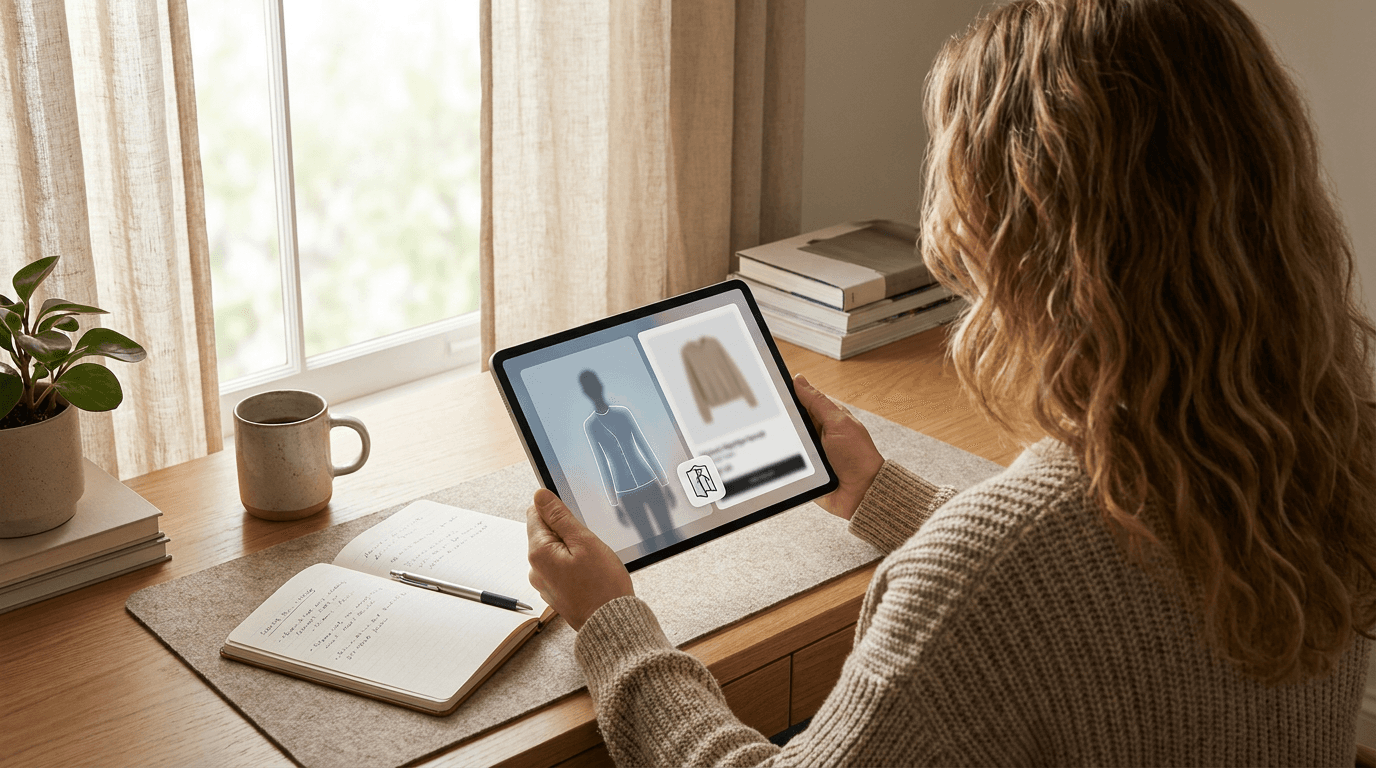
- Tablet on a stand: an ordinary tablet with a camera, mounted at standing height near the rails or fitting rooms. The software runs in the browser.
- Floor-standing kiosk: a larger screen in a fixed enclosure or stand, usually with a camera built in. Sturdier, harder to walk off with, and less flexible to move.
- Smart mirror: a full-length display dressed up as a mirror, often with touch controls. The most striking option and the most hardware to buy, install and maintain.
How do they compare at a glance?
| Tablet on a stand | Floor-standing kiosk | Smart mirror | |
|---|---|---|---|
| Upfront hardware | Lowest | Middle | Highest |
| Screen size | Small | Medium to large | Full length |
| Easy to move or replace | Yes | Somewhat | No |
| Needs installation | Almost none | Some | Usually yes |
| Best for | Small and mid-size stores | Busy shop floors | Flagships and showrooms |
Treat the table as a rule of thumb, not a quote. Hardware prices vary a lot by vendor and screen size, so ask for written prices before you compare.
When does a tablet on a stand make sense?
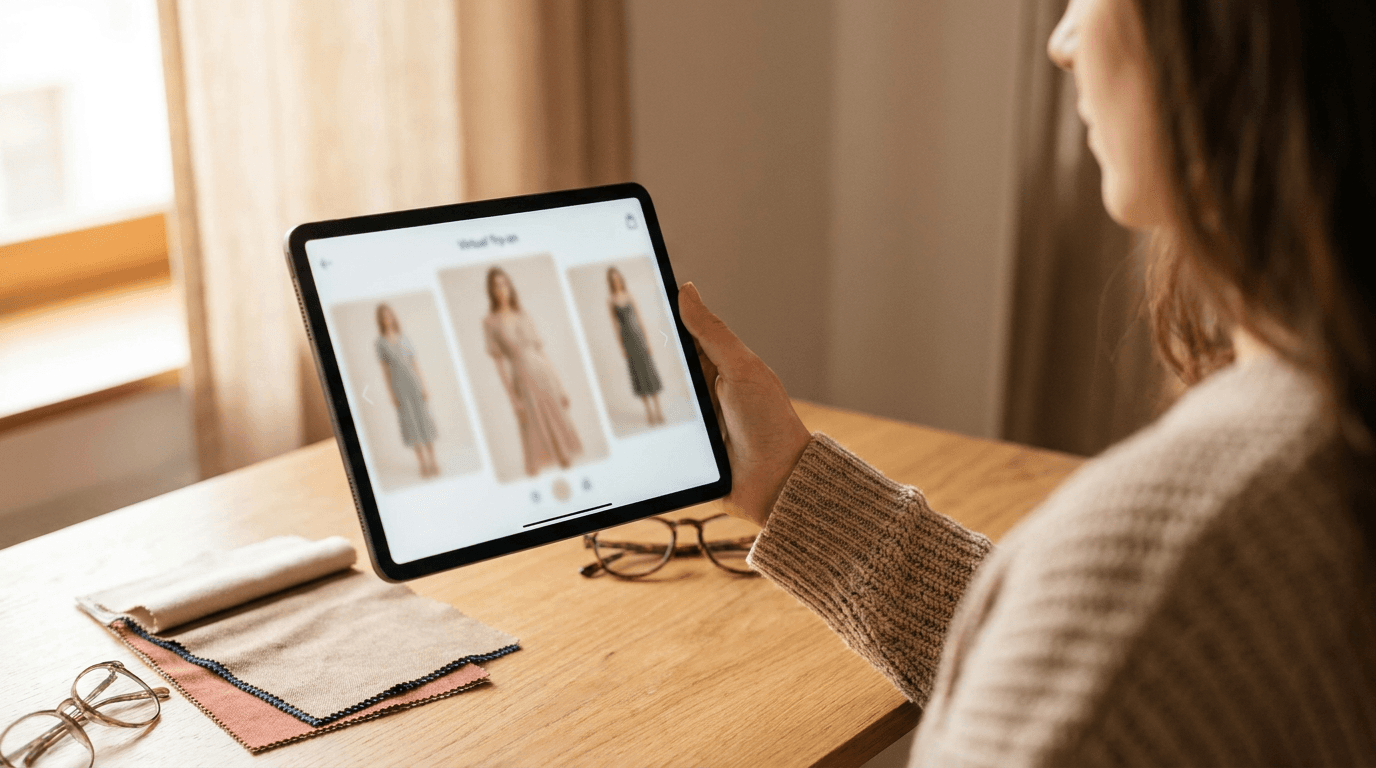
When you want to find out whether customers use it before you spend real money. A tablet is the pilot-friendly option. If the corner you picked turns out to be dead, you move the stand ten metres and try again.
It also keeps the software and the screen separate. Corlen's kiosk runs in the browser of any tablet with a camera, so the same catalog you upload once is what customers browse. If the tablet dies, you buy another one. Nobody has ever had to call a mirror technician for a cracked iPad.
When is a smart mirror worth it?
When the store itself is part of the brand pitch. A full-length mirror display in a flagship or showroom gets noticed, photographed and talked about. That attention has value, and it is a marketing argument as much as a try-on one.
The cost sits in the hardware, the install and the support contract. Ask any mirror vendor three questions: who maintains it, what happens when the software is updated, and whether you can run a different try-on engine on the same screen later. A screen locked to one vendor's software is a bigger commitment than it looks.
How do you choose for your store?
- Pick the spot first. Customers need room for a full-body photo and a reason to stop. A fitting room queue is ideal.
- Start with the cheapest format that fits that spot. You can always upgrade the screen. You cannot easily undo a mirror you bolted to the wall.
- Confirm the software runs in a browser, so the screen is replaceable and your catalog is not tied to one device.
- Check what happens to customer photos. Corlen deletes kiosk photos automatically within two hours and never runs face recognition. Ask every vendor for their equivalent in writing.
- Measure it. Count sessions, shortlists and what people end up buying, using the steps in how to measure virtual try-on results.
For the full setup, cost and privacy picture of the tablet route, read the in-store kiosk guide. If you also sell online, the same try-on engine runs on your product pages through the Shopify app and the developer API.
Want to see what customers would see on any of these screens? Try the live Corlen demo with your own photo and judge the result yourself.
Frequently asked questions
Is a smart mirror better than a tablet for virtual try-on?
A smart mirror looks more impressive and shows a larger, full-length image. A tablet is cheaper, easier to move and easier to replace. The try-on result depends on the software and the photo, not on the screen, so most small stores start with a tablet.
Do I need special hardware for in-store virtual try-on?
Not with a browser-based setup. Corlen's kiosk runs in the web browser of any tablet with a camera and an internet connection. Dedicated smart mirrors are separate hardware products from their own vendors.
Can I start with a tablet and move to a smart mirror later?
Yes, if your try-on software runs in a browser. Your catalog and customer flow live in the software, so changing the screen does not mean rebuilding anything. Check this with any vendor before you sign.
What matters most when choosing in-store try-on hardware?
Placement, camera quality and how little a customer has to do before seeing a result. A well-placed tablet with a clear camera beats an expensive mirror in a dim corner nobody walks past.
Ready to add real try-on to your store?
Install Corlen on Shopify in minutes, or build it into your own platform with the developer API.
Similar posts
WooCommerce Virtual Try-On Plugins Compared (2026)
Compare WooCommerce virtual try-on plugins by pricing model, who pays for AI generation, and privacy. Six real options, with what each one costs you.
Read articleComparisonsVirtual Try-On API Comparison for Developers (2026)
Comparing virtual try-on APIs for developers: FASHN, fal.ai, Replicate, and Corlen on real pricing, garment support, and privacy, checked directly with each provider.
Read articleComparisonsBest Antla Alternatives for Shopify Stores in 2026
Comparing the best Antla alternatives for Shopify: Corlen, Genlook, Photta, and more, on pricing, fit accuracy, privacy, and reach beyond your storefront.
Read articleSee it on your own photo
Corlen shows your customers how any garment looks on their own body, in seconds. Try it free, no account needed.
Try Corlen free