Fit and Sizing Apps for Shopify Compared: Charts, Finders, Fit Engines and Try-On

Quick answer
"Sizing app" is one of those labels that covers four quite different products. Install the wrong one and you pay monthly for a fix to a problem you do not have.
What kinds of fit and sizing apps exist for Shopify?
- Size chart apps: show your measurements in a table or pop-up on the product page. Kiwi Sizing is the best-known example, and it also offers a recommender on higher plans.
- Size finders: ask the shopper a few questions (height, weight, fit preference) and suggest a size. Sizely is one example.
- Fit engines: match the shopper against garment data and purchase history across many brands. True Fit and Fit Analytics sit here, sold to larger retailers.
- Virtual try-on: shows the shopper wearing the garment. Corlen, Genlook and Antla are in this group.
The first three answer "which size should I order?" The fourth answers "will this look right on me?" Shoppers ask both questions before they buy, which is why return data matters more than any app comparison.
How do they compare at a glance?
| Size chart | Size finder | Fit engine | Virtual try-on | |
|---|---|---|---|---|
| Question answered | What are the measurements? | Which size am I? | Which size am I, per garment? | How will it look on me? |
| Outputs a size | No | Yes | Yes | No |
| Setup effort | Low | Medium | High | Low |
| Typical buyer | Any store | Small and mid-size stores | Large brands | Any store with good product photos |
Pricing differs a lot between vendors and changes often, so check each app's own listing before you decide. Industry roundups describe True Fit and Fit Analytics as quote-only and enterprise-oriented, while chart and finder apps tend to publish plans on the Shopify App Store.
Are size chart apps enough?
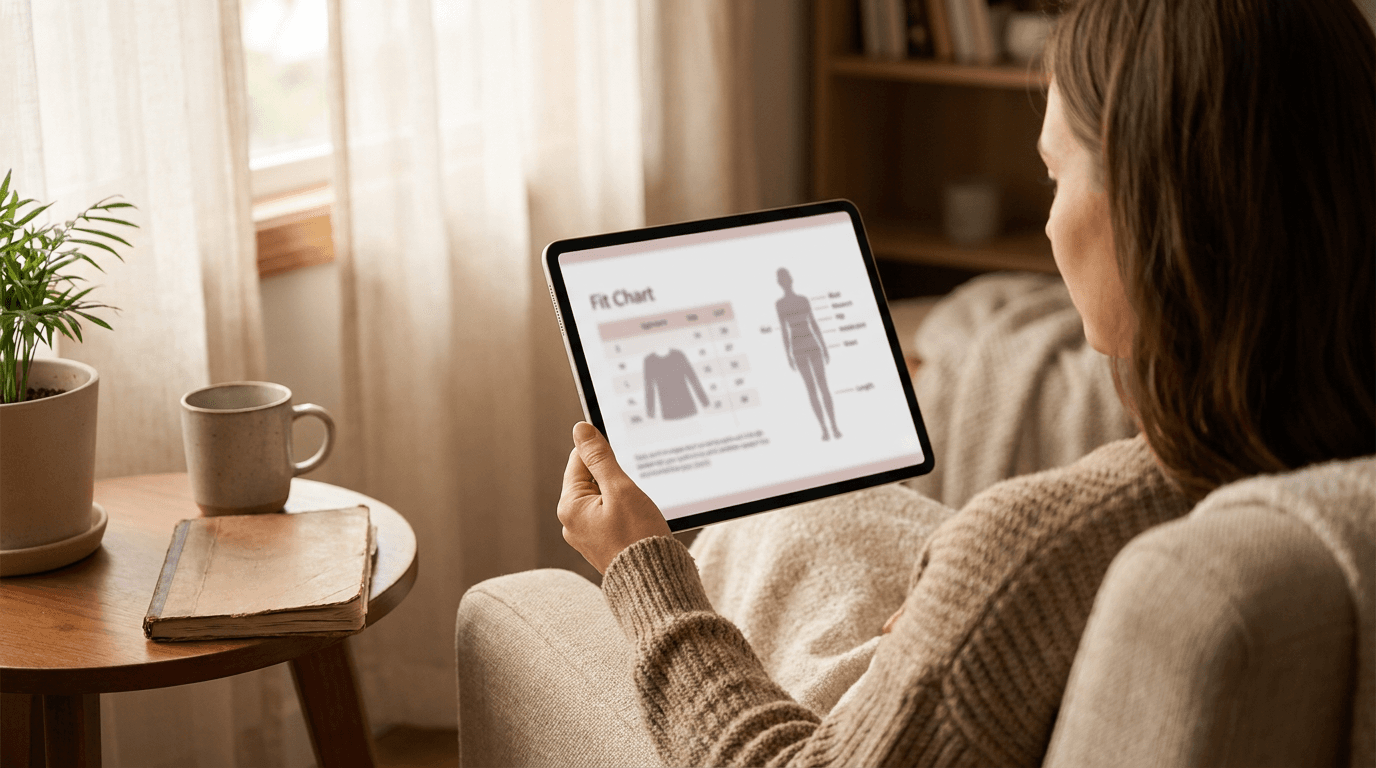
For a lot of stores, yes, at the start. A size chart is a polite suggestion that most shoppers treat like the terms and conditions, but the ones who do open it are exactly the ones deciding between two sizes.
Where a chart falls short is accuracy. It is only as good as the measurements you type in, and it cannot tell a shopper that a boxy jacket will sit differently on their shoulders. If your returns mostly say "too small" or "too big", fix the chart first.
When do you need a size finder or fit engine?
When shoppers already read your chart and still order the wrong size. A finder does the lookup for them. A fit engine goes further, using data across garments and customers, which only pays off with a large catalog and plenty of order history.
If you are a small store, a fit engine is usually more machine than you need. Ask yourself whether you have the garment data to feed it. If you do not, it will guess, just with more confidence.
Where does virtual try-on fit in?
Virtual try-on covers the gap the others leave. A shopper can be in exactly the right size and still send a blazer back because it looked different on them than on the model. Seeing it on their own photo catches that before checkout. For the technical side, see how virtual try-on works.
Corlen's Shopify app adds a try-on block to your product page in the theme editor. It does not recommend a size, so pair it with a chart or finder. The longer comparison of the two approaches is in body measurement vs virtual try-on.
Which one should you install first?
- Pull your last 50 return reasons and sort them into wrong size, looked different, and everything else.
- If wrong size leads, add or fix your size chart, then consider a finder.
- If looked different leads, add virtual try-on to your best sellers first.
- Revisit after a month using the metrics in how to measure virtual try-on results.
Sizing is rarely one problem, so do not expect one app to fix all of it. Want to see what the try-on half looks like? Try the live Corlen demo with your own photo.
Frequently asked questions
What is the difference between a size chart app and a size recommender?
A size chart app displays your measurements in a clean table or pop-up and leaves the shopper to work it out. A size recommender asks the shopper a few questions, such as height and weight, and suggests a size for them. Recommenders do more of the work but need better data from you.
Do I need a fit engine like True Fit or Fit Analytics?
Probably not yet. Those tools are built for large brands with big catalogs and lots of order history, and they are sold through sales teams rather than a self-serve install. A small or mid-size Shopify store usually gets more from a size chart or finder first.
Does virtual try-on replace a sizing app?
No. Virtual try-on shows how a garment looks on the shopper, but it does not output a size. The two answer different questions, and they work well together on the same product page.
Which sizing tool should a new Shopify clothing store install first?
Start with a clean size chart on every product page. It is the cheapest fix and the one shoppers actually open. Add a finder or try-on once your return reasons show whether the problem is the wrong size or the wrong look.
Ready to add real try-on to your store?
Install Corlen on Shopify in minutes, or build it into your own platform with the developer API.
Similar posts
Virtual Try-On Kiosk vs Smart Mirror vs Tablet: Which Fits Your Store?
Floor-standing kiosk, smart mirror or a plain tablet on a stand? A store owner's comparison of the three ways to put virtual try-on on your shop floor.
Read articleComparisonsWooCommerce Virtual Try-On Plugins Compared (2026)
Compare WooCommerce virtual try-on plugins by pricing model, who pays for AI generation, and privacy. Six real options, with what each one costs you.
Read articleComparisonsVirtual Try-On API Comparison for Developers (2026)
Comparing virtual try-on APIs for developers: FASHN, fal.ai, Replicate, and Corlen on real pricing, garment support, and privacy, checked directly with each provider.
Read articleSee it on your own photo
Corlen shows your customers how any garment looks on their own body, in seconds. Try it free, no account needed.
Try Corlen free