Virtual Try-On for Big and Tall Clothing: Solving Two Fit Problems at Once

Quick answer
Big and tall is its own retail category for a reason. Brands built specifically for it, names like Casual Male XL, King Size, and DXL among others, exist because mainstream size runs stop covering a large segment of men well before extended sizing does the job properly.
Why is big and tall sizing so inconsistent across brands?
A standard size run grades garments up mostly by width, adding room through the chest and waist as the label increases. Big and tall sizing has to grade in two directions at once, width and length, and there is no shared industry standard for how much of each a given label adds. One brand's 3XL might add two inches of length over its 2XL. Another brand's 3XL might add none at all, treating extended sizes as pure width increases.
That inconsistency is exactly the gap covered generally in fashion ecommerce return statistics: a shopper who has learned their size at one retailer has no reliable way to carry that knowledge to another, and the gap is wider here than in standard sizing because two variables are drifting independently instead of one.
Why do girth and length need to be solved separately?
A shopper who needs more room through the chest does not automatically need a longer torso, and a shopper who needs longer sleeves does not automatically need a wider chest. Big and tall as a category name suggests these travel together, and for some shoppers they do, but for many they do not, which is exactly why a single combined size label undersells one variable while overselling the other.
- Sleeve length is the most commonly reported mismatch: a jacket or shirt that fits correctly through the shoulders and chest can still end well short of the wrist if the size run only scaled width.
- Torso length shows up the same way on button-up shirts: a shirt that sits correctly at the shoulders can ride up and pull at the waistband if the torso length was not scaled to match the width increase.
- Rise and inseam behave the same way on pants: extra waist room does not guarantee a longer inseam, and a size run that only widens the waist leaves a tall shopper with pants that are wide enough but too short.
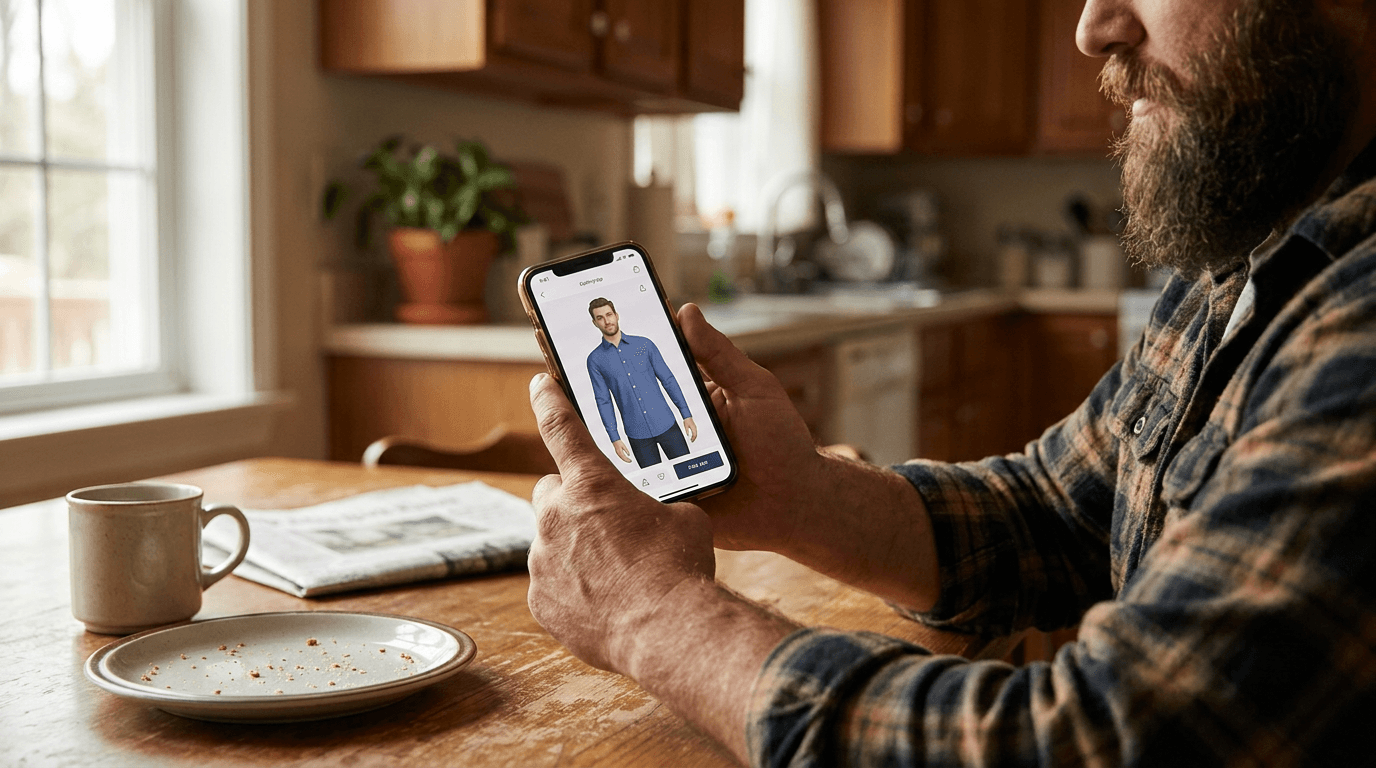
What does virtual try-on need to get right for a big and tall shopper?
A preview that only widens the same product photo is not answering the actual question a big and tall shopper is asking. The useful version has to render the specific garment's cut, both its width and its length, against the shopper's own body shape, and show where that cut falls short or runs long.
- Confirm sizing renders as a visible difference rather than the same silhouette relabeled. Our guide on virtual try-on for plus size clothing covers what body-size-aware rendering looks like in practice, and the same standard applies here.
- Check whether sleeve and hem length visibly change between sizes, not just overall width, since that is the specific gap standard size-comparison tools tend to miss.
- Confirm the shopper's actual body shape and proportions carry into the render rather than being smoothed toward an average frame.
How is this different from plus size or petite and tall coverage?
These three questions sound similar and are not the same question. Plus size coverage asks whether a tool renders a larger body honestly at all, instead of resizing the same slim silhouette. Petite and tall sizing asks a narrower question about height and proportion on its own, independent of body width. Big and tall specifically names the menswear retail category that combines extended width with extended length, and it needs a tool that handles both variables together rather than picking one.
A shopper who only needed the height answer, or only needed the width answer, would be well served by either of those narrower fixes. A big and tall shopper needs both at once, which is a stricter bar than either question alone.
How does Corlen handle big and tall rendering?
Corlen renders directly onto the shopper's own uploaded photo rather than a stand-in model, so their actual proportions, chest, torso length, arm length, carry into every result. A shopper selects their own body size separately from the garment's labeled size, and the system renders the visible difference between the two: extra room and extra length show up as drape and coverage, not a wider copy of the same flat product photo.
A store selling extended sizing can turn this on the same way as the rest of its catalog, through Corlen's Shopify app, with no separate setup for big and tall listings. A team building a custom storefront or app gets the same rendering engine through the developer API.
See it on your own photo first: try Corlen for free, no account needed for a first result.
Frequently asked questions
What makes big and tall sizing different from standard sizing?
Standard apparel sizing mostly tracks one variable at a time, chest or waist measurement for a given height range. Big and tall sizing has to track two variables together: girth, meaning chest and waist size, and length, meaning torso, sleeve, and inseam. A shopper can need extra room in the chest without needing extra length, or the reverse, and a single size label like 3XL rarely communicates which combination a specific garment was cut for.
Does virtual try-on show a bigger size differently, or does it just relabel the same shape?
It depends entirely on how the tool was built. A tool that pastes the same garment silhouette onto every photo regardless of the size selected is not doing anything for a big and tall shopper beyond changing a label. A tool that renders the actual relationship between the shopper's body and the garment's size shows a visibly different fit, sleeve length, and drape depending on which size is selected.
Is virtual try-on for big and tall clothing different from virtual try-on for plus size clothing?
They overlap but are not the same question. Plus size coverage is mainly about whether a tool renders a larger body accurately at all, rather than resizing the same slim silhouette. Big and tall coverage adds a second, independent variable on top of that: length, since a big and tall shopper often needs a longer torso and longer sleeves in addition to more room, not instead of it.
Is this the same thing as the petite and tall sizing question?
No, they cover different axes. Petite and tall sizing is about height and proportion alone, whether a tool accounts for a shopper being shorter or taller than an average sample size. Big and tall specifically refers to the menswear retail category built around extended sizing, chest and waist room combined with extra length, which is a distinct market with its own brands and its own size charts.
How does Corlen render fit for a big and tall shopper?
Corlen renders every result onto the shopper's own uploaded photo rather than a stand-in model, and a shopper selects their own body size separately from the garment's size. The system renders the visible difference between the two, so a garment cut with extra room and extra length shows that room and length against the shopper's actual frame, not a generic resize of the same product photo.
Ready to add real try-on to your store?
Install Corlen on Shopify in minutes, or build it into your own platform with the developer API.
Similar posts
Virtual Try-On for Halloween Costumes: Why Costume Sizing Is Its Own Problem
Costume sizing rarely matches everyday clothing charts, and a bad fit often arrives too close to the date to fix. Here is how a fit preview helps.
Read articleGuidesDoes Virtual Try-On Increase Conversion Rate? What the Data Shows
Vendor studies report conversion lifts from 13 to 50 percent for virtual try-on. Here is what was measured, and how to check it against your own store.
Read articleGuidesSize Bracketing: Why 63% of Shoppers Order Extra Sizes to Return
Size bracketing, ordering multiple sizes to return most, drives a meaningful share of fashion returns. What causes it, what it costs, and what actually reduces it.
Read articleSee it on your own photo
Corlen shows your customers how any garment looks on their own body, in seconds. Try it free, no account needed.
Try Corlen free