Does Virtual Try-On Slow Down Your Shopify Store? How to Check

Quick answer
Speed is the objection that comes up right after price. Every app you add is one more thing loading on the page that earns your money, so asking about it is reasonable.
Does a try-on app slow down a Shopify store?
Any app that puts a button on a product page loads some code. The question is how much, when, and whether it blocks the page while it loads.
A well built block loads its script deferred, keeps the stylesheet small, and does nothing expensive until a shopper taps the button. A badly built one loads a large bundle upfront and makes your product page wait for it. Both are called "a try-on app", and both are described as "lightweight", which is the software version of "true to size".
What speed limit does Shopify set for apps?
Shopify's Built for Shopify requirements say an app must not reduce the storefront Lighthouse performance score by more than ten points. Shopify measures it by comparing the score before and after the app is installed and configured.
That is a ceiling, not a promise of zero impact. Ten points is a visible drop, so treat it as the worst case you are allowed to see, not the number you should accept.
What should you watch on a try-on page?
Google's Core Web Vitals give you three numbers to check, and a page passes when it meets the good threshold for at least 75 percent of visits (see web.dev on Web Vitals).
- Largest Contentful Paint (LCP): 2.5 seconds or less. Your main product image should still appear fast.
- Interaction to Next Paint (INP): 200 milliseconds or less. Tapping size options and the add to cart button should feel instant.
- Cumulative Layout Shift (CLS): 0.1 or less. Nothing should jump as the page settles.
CLS deserves a second look with any app block that appears after the page loads. If a button shows up late above your add to cart button, everything under it moves. Place it where a late arrival cannot shove the price or the buy button around.
How does the Corlen block load?
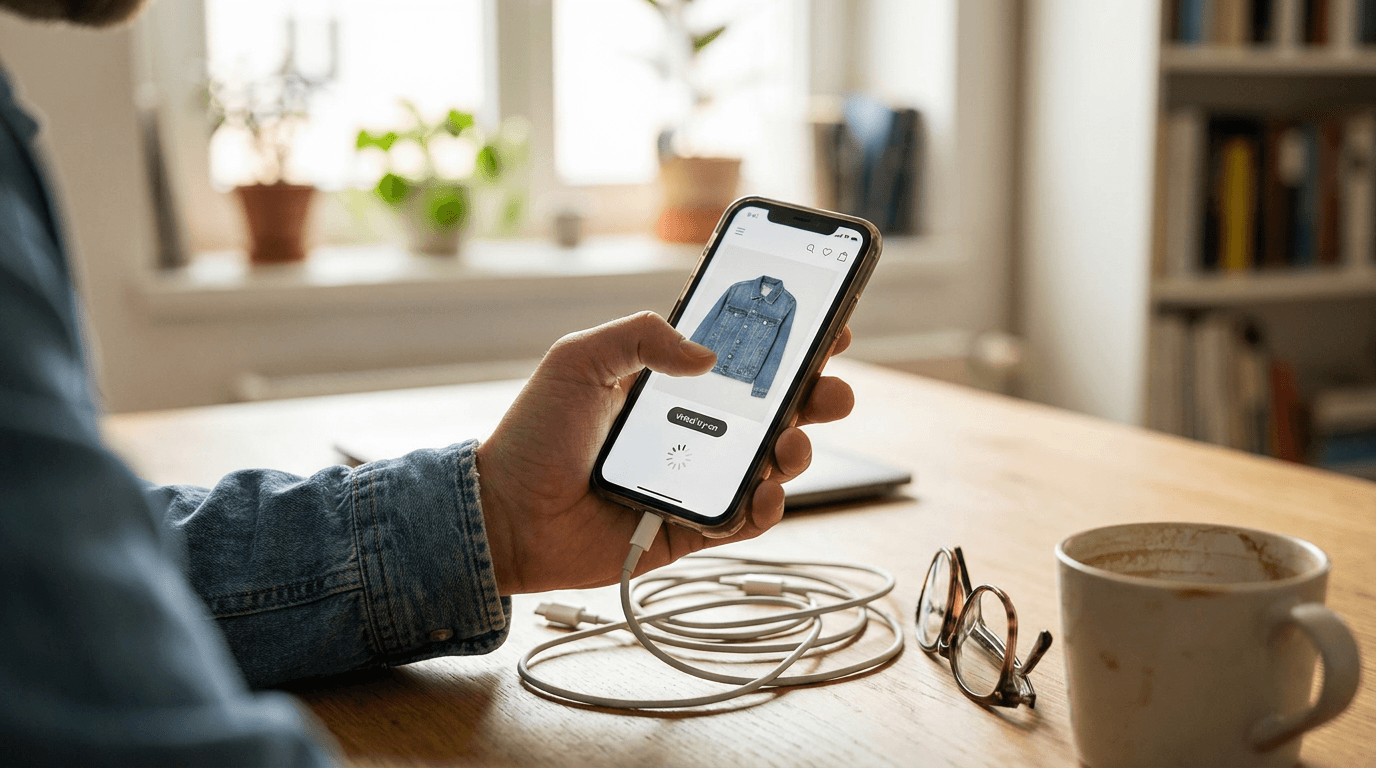
Here is what we can state from the code of our own Shopify app. The block's script is added with the defer attribute, so it does not block the page from rendering. Its script and stylesheet together are about 40 KB before compression.
The block starts hidden. On load it makes one small GET request to your store's own app proxy to check whether try-on should show for that product. No image generation happens until a shopper picks a photo and taps the button.
That hidden-then-revealed pattern is the part to watch for layout shift, so check your CLS after placing the block. We have not published a Lighthouse score for Corlen, because the result depends on your theme and your other apps. Measure it on your store.
How do you test it yourself?
- Pick one busy product page and test it in a mobile Lighthouse profile.
- Run it five times before installing and record each performance score.
- Install the app, add the block to the product template, then run it five times again.
- Compare the median of each set, not the best run. A single run can vary by 5 to 10 points.
- Check LCP, INP and CLS separately, since a flat overall score can hide a layout shift.
If the median drops by more than a few points, move the block lower on the page or ask the vendor what loads and when. Your theme matters too: a heavy theme with ten apps will show a larger drop than a lean one, and a try-on app is rarely the only passenger weighing down the bus.
Run the same test on any app you are comparing, and use how to measure virtual try-on results to judge whether the sales effect justifies whatever speed you give up. If you are still choosing, how to choose a virtual try-on app lists the other questions to ask. You can also try the live demo with your own photo.
Frequently asked questions
Does a virtual try-on app hurt Shopify page speed?
It can, because any app that adds a script and a stylesheet to your product page adds some load. How much depends on how the app loads. A deferred script, a small stylesheet and no heavy work until the shopper clicks keep the impact low. Measure your own pages before and after rather than trusting a claim.
What speed limit does Shopify set for apps?
Shopify's requirements say an app must not reduce the storefront Lighthouse performance score by more than ten points. Shopify checks this by comparing the score before and after the app is installed and configured.
How do I test the impact of a try-on app myself?
Run Lighthouse on the same product page several times before installing, then again after. Use the median of each set, because a single run can swing by 5 to 10 points. Test a mobile profile, since that is where most stores lose speed.
Where should I put the try-on button to avoid layout shift?
Put it where a late appearing button will not push important content down, or reserve space for it in your theme. If a block starts hidden and appears after a check, it can move the content below it, so watch your Cumulative Layout Shift score after you place it.
Ready to add real try-on to your store?
Install Corlen on Shopify in minutes, or build it into your own platform with the developer API.
Similar posts
How to Reduce Size Returns on a Shopify Clothing Store: A 5 Step Fix
Wrong size is one of the most common reasons a clothing order comes back. Here is a step by step way to find your worst offenders in Shopify and fix them.
Read articleGuidesHow to Measure Virtual Try-On Results on Your Store
A store owner's guide to checking whether virtual try-on works: which four metrics to track, how to set a baseline, and how to read the results honestly.
Read articleGuidesVirtual Fitting Room Software: What It Is and How to Choose One
Virtual fitting room software covers AR overlays, 3D body scanning, and AI photo try-on. Here is what each actually does and how to pick the right one.
Read articleSee it on your own photo
Corlen shows your customers how any garment looks on their own body, in seconds. Try it free, no account needed.
Try Corlen free